
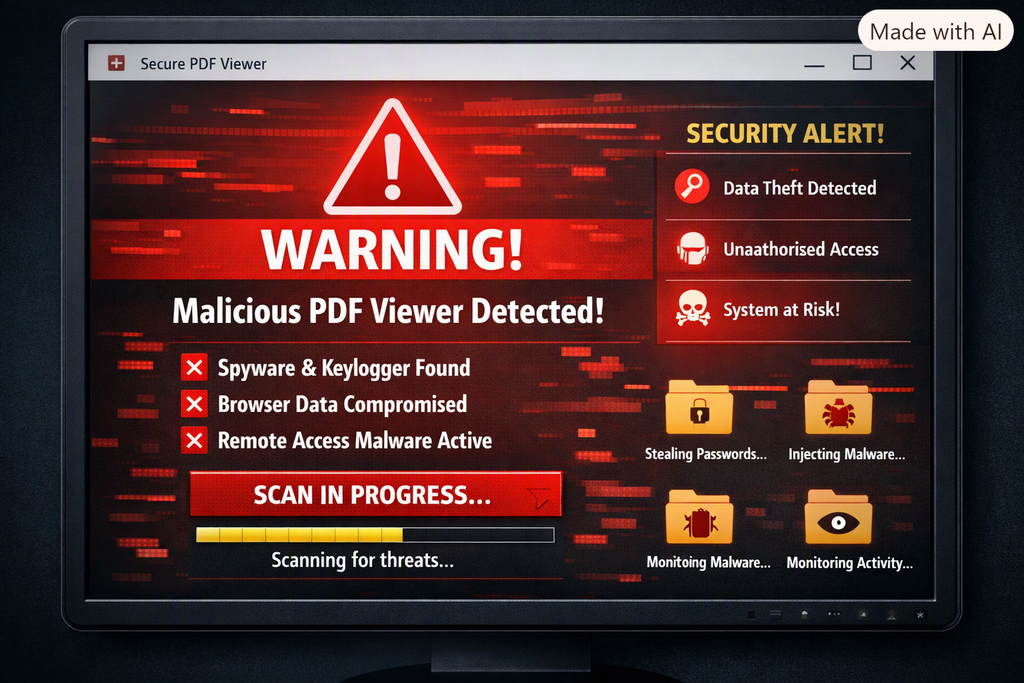
The YouTube pdf viewer virus scam is a fast‑spreading malware trick that targets users through fake PDF viewer downloads promoted in video descriptions and comments. These downloads look legitimate, but they contain hidden backdoors that steal browser data, install additional malware, and compromise your device. If you installed a PDF viewer from a YouTube link, you may already be infected — and immediate action is critical.
What Is the YouTube PDF Viewer Virus Scam?
Attackers disguise malware as PDF viewers and distribute them through YouTube links.
How the Fake PDF Viewer Virus Spreads on YouTube
- Fake download links
- Redirects to “secure viewer” pages
- Trojanized PDF reader installers
Why the YouTube PDF Viewer Virus Is Dangerous
- Browser credential theft
- Remote access trojans
- Hidden persistence tasks
- Additional payloads like info‑stealers
Signs You’re Infected by the YouTube PDF Viewer Virus
You may have the YouTube PDF viewer virus if:
- Strange browser behavior
How to Remove the YouTube PDF Viewer Virus Scam
1. Disconnect from the Internet
2. Uninstall the Fake Viewer
3. Remove Persistence Tasks
4. Run Antivirus/EDR Scans
5. Reset Browser Passwords
6. Enable MFA
7. Wipe the Device if Necessary
Prevent Future YouTube PDF Viewer Virus Attacks
Cybercriminals rely on curiosity and convenience — but you can block their tricks with a few smart habits.
1. Download Only from Trusted Sources
Never install a PDF viewer or any software from YouTube links, comments, or unofficial sites. Always use verified sources like Adobe, Foxit, or SumatraPDF.
2. Keep Security Software Updated
Enable Microsoft Defender or another reputable antivirus with real‑time protection. Schedule weekly scans and keep definitions current.
3. Use Browser Isolation for Unknown Files
Open suspicious PDFs in a sandboxed environment or cloud viewer instead of your local system.
4. Disable JavaScript in PDF Readers
Most malware exploits PDF JavaScript features. Turn it off unless absolutely required.
5. Enable Multi‑Factor Authentication (MFA)
Even if credentials are stolen, MFA blocks unauthorized access to your accounts.
6. Educate Your Team and Clients
Share awareness posts about the YouTube PDF viewer virus scam. Training prevents accidental installs and strengthens your MSP’s security posture.
7. Keep Windows and Applications Patched
Outdated software is an easy target. Turn on automatic updates for Windows and all document tools.
By following these steps, you’ll drastically reduce the risk of infection and protect your systems from future YouTube PDF viewer virus scams.

Leave a Reply