
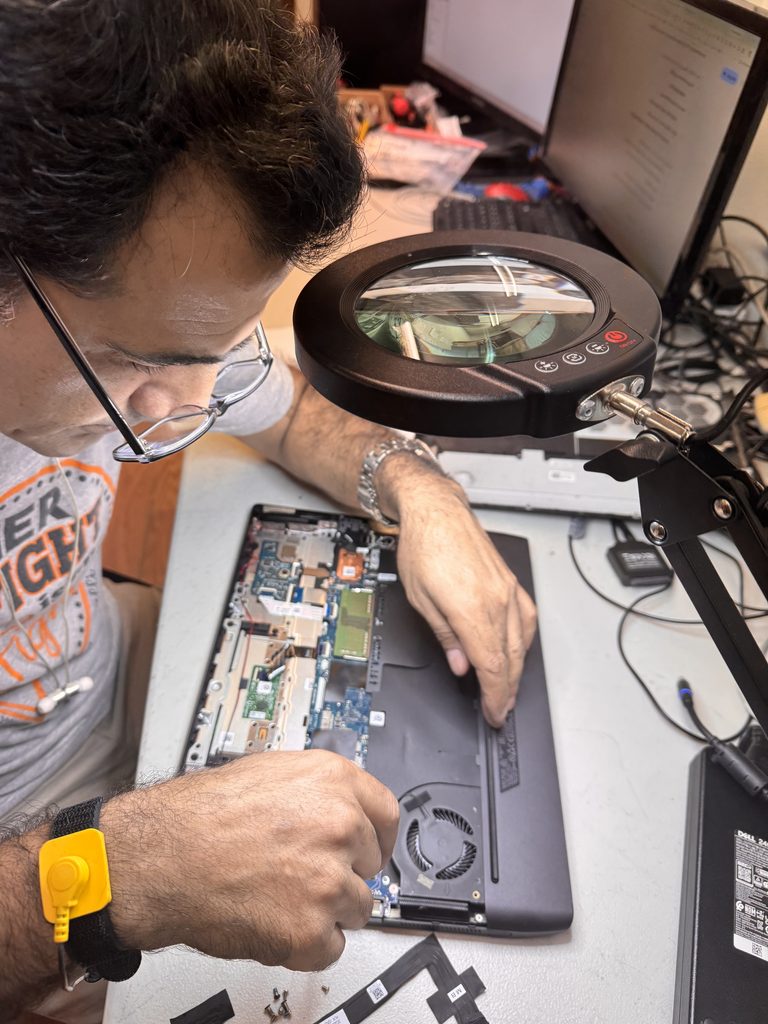
When an Alienware m15 r6 has power issue, the first assumption is usually a dead motherboard or a failed power button. But one of the most common—and most overlooked—causes is surprisingly simple: the battery discharged so low that the system can’t initialize power-on sequencing.
This issue shows up frequently on gaming laptops that sit unused for weeks or months, especially Alienware models with high‑draw components and smaller internal batteries.
Below is a clear breakdown of why this happens, how to fix it, and how to prevent it from happening again.
Why the Alienware m15 R6 Won’t Turn On When the Battery Is Critically Low
The alienware m15 r6 power issue is different than older systems when the battery is drained. On the m15 R6:
- The EC (Embedded Controller) requires a minimum voltage before it can respond to the power button.
- If the battery drops below that threshold, the EC stays offline.
- Even when you plug in the AC adapter, the system may not immediately wake, because the EC must charge to a safe level first.
This creates the illusion that the laptop is “dead,” even though the hardware is fine.
Alienware m15 R6 power issue symptoms and fixes
- No lights when pressing the power button
- No charging LED indicator
- No fan spin
- No response even with the charger connected
- Charger LED may flicker or stay solid but the laptop appears lifeless
These symptoms almost always point to deep battery discharge or AC adapter negotiation failure.
Step-by-Step Fix: How to Bring the m15 Back to Life
1. Verify the AC Adapter
Alienware systems are picky about power. Make sure you’re using:
- A genuine Dell/Alienware 240W adapter
- A known-good barrel connector with no wobble
- A working wall outlet (avoid surge protectors during troubleshooting)
If the adapter LED goes out when plugged into the laptop, that indicates a short or a failed DC jack—but if it stays solid, move to the next step.
2. Alienware m15 power issue troubleshooting
This is the part most people skip.
When the battery is deeply discharged, the EC must charge before the laptop can respond. During this time:
- The laptop may show no lights
- The power button may remain completely dead
- The charging LED may not illuminate
Let it sit. Do not press the power button repeatedly.
3. How to fix an Alienware m15 R6 power issue
After 30–45 minutes:
- Unplug the AC adapter
- Hold the power button for 20–30 seconds
- Plug the adapter back in
- Wait 10 seconds
- Try powering on
This clears the EC and allows it to reinitialize.
4. Try Booting Without the Battery (If Accessible)
The m15 R6 battery is internal, but if you’re comfortable opening the system:
- Disconnect the battery
- Connect the AC adapter
- Attempt to power on
If it boots, the battery is the culprit.
5. Replace the Battery If It Won’t Recover
Alienware batteries frequently fail after deep discharge. If the laptop still won’t respond:
- The battery may be permanently damaged
- The EC may not be able to charge it
- Replacement is the only fix
Preventing This Issue in the Future
To avoid deep discharge:
- Never store the laptop below 20% battery
- Always shut down before long-term storage
- Plug it in at least once every 2–3 weeks
- Avoid leaving it unplugged for months at a time
Gaming laptops drain even when powered off due to RGB controllers, EC activity, and battery management circuitry.
When to Seek Professional Service
f your Alienware m15 R6 still won’t turn on after the steps above, the issue may be:
- Failed DC jack
- Faulty motherboard power rail
- Damaged EC firmware
- Shorted battery MOSFET
At that point, a bench diagnostic is the fastest path forward.
Leave a Reply