
When coffee spilled on CPU components, it becomes one of the most dangerous liquid accidents a computer can experience. Because coffee is conductive and acidic, it can quickly short out the CPU socket, damage the processor, and create sticky residue that leads to long‑term instability. As a result, even a small spill can cause corrosion, overheating, and permanent failure if it isn’t cleaned correctly.
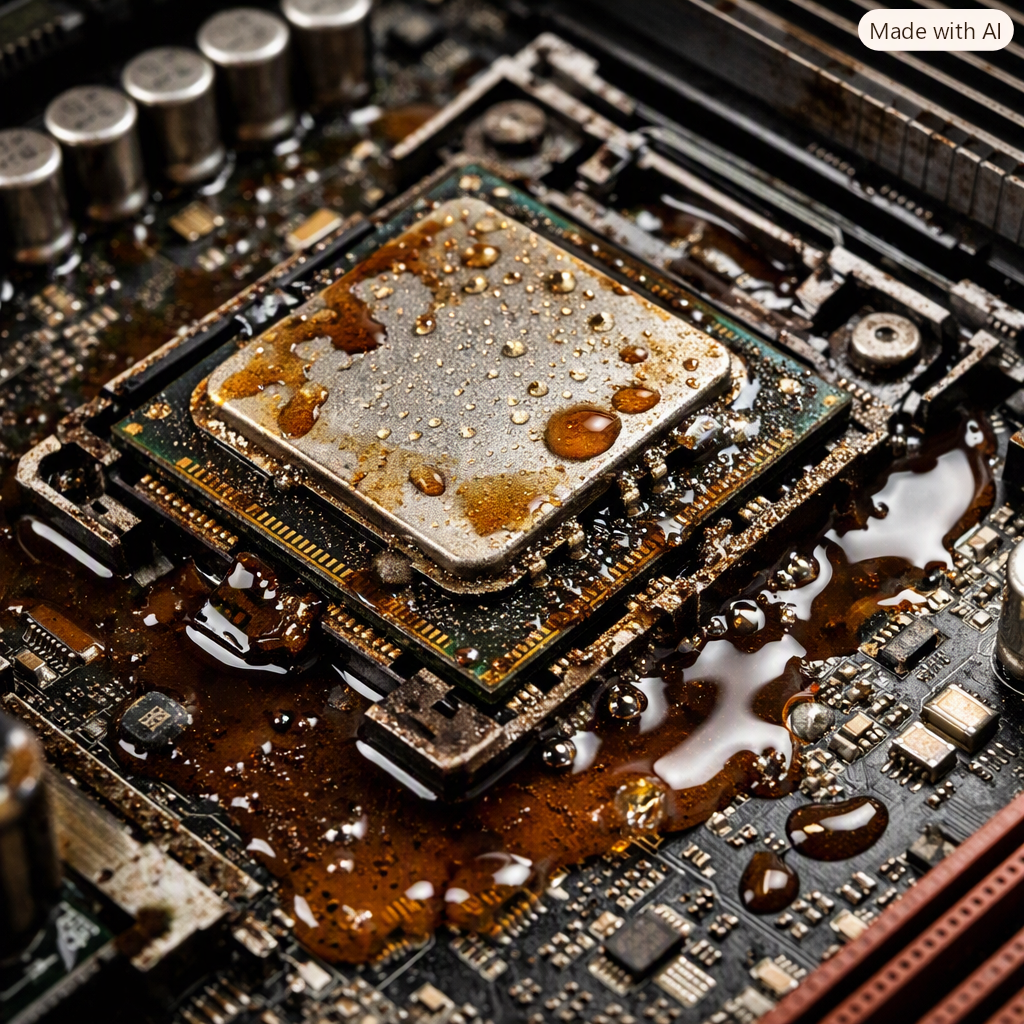
How Coffee Damages a CPU
1. Immediate Damage Caused by Coffee Spilled on CPU
Coffee is far more conductive than clean water because of dissolved minerals and sugars. When it reaches the CPU socket or nearby power delivery circuits, it can create unintended electrical paths, causing immediate shorts.
Even a few drops can bridge tiny contacts under the CPU, especially if the system was powered on during the spill.
2. Corrosion Begins Almost Immediately
Coffee spilled on a cpu contains acids that attack metal surfaces. CPU pins, socket contacts, and motherboard traces can begin corroding within minutes. This corrosion can cause:
- Intermittent boot failures
- Memory channel errors
- Random shutdowns
- Permanent socket damage
Liquid residue continues corroding metal even after the surface looks dry.
3. Long‑Term Problems After Coffee Spilled on CPU
Sugars and solids in coffee spilled on a cpu leave behind a sticky film. This residue:
- Attracts dust
- Interferes with cooling
- Continues conducting electricity
- Causes overheating around the CPU
This is why a “dry” motherboard can still fail weeks later.
4. CPU Package & Socket Discoloration
Coffee exposure can discolor the CPU heat spreader or package. A stain on the metal heat spreader is usually cosmetic, but darkening or residue near the contacts or socket indicates electrical or liquid damage.
If you see:
- Burn marks
- Cracked plastic
- Corroded pins Stop powering the system immediately.
Signs Your CPU Was Damaged by Coffee
- System won’t POST
- Fans spin but no display
- Random freezes or shutdowns
- Burning smell near CPU socket
- Discolored or sticky residue under the CPU
Safe Steps to Take After a Coffee Spill (CPU‑Focused)
1. Kill Power Immediately
Do not try to shut down normally. Unplug the PSU or hold the power button. Power + liquid = instant damage.
2. Do Not Try to Boot “Just to Check”
Repeated power‑ons worsen corrosion and can permanently destroy the CPU or motherboard.
3. Remove the CPU Carefully
If coffee reached the socket area:
- Photograph the socket and CPU
- Inspect for residue, corrosion, or discoloration
- Do not scrape or polish the CPU surface (this can remove protective coatings)
4. Clean the Socket Area Properly
Coffee requires a two‑step cleaning process:
- Distilled water rinse to dissolve sugars
- 99% isopropyl alcohol to displace water and speed drying Skipping the distilled water step leaves conductive sugars behind.
5. Let the Board Dry 24 Hours Minimum
No hair dryers, no heat guns, no rice.
Use airflow and desiccants only. Heat can warp plastics and damage CPU socket pins.
Can a CPU Survive a Coffee Spill?
Yes — if the spill didn’t reach the socket or power delivery area, and if the system was powered off quickly. However, if coffee entered the CPU socket while the system was running, the chances of saving the motherboard drop significantly due to immediate shorting and corrosion.
The CPU itself is often more resilient than the socket, but socket corrosion or damaged contacts can make the motherboard unusable even if the CPU survives.
When the CPU Must Be Replaced
Replacement is likely if you see:
- Burnt odor
- Cracked CPU package
- Corroded or darkened contacts
- Persistent POST failures after cleaning
- Socket pins that are bent or missing
FAQ
Yes, but only with proper cleaning using distilled water and 99% IPA. Never scrape or sand the CPU.
No. Drying removes moisture but not corrosive residue.
Yes. The motherboard’s socket and traces are more vulnerable to corrosion and short circuits.
Sometimes — but intermittent failures usually follow.
Not until the CPU and socket are fully inspected and cleaned.
Conclusion
A coffee spill is one of the most dangerous liquid accidents for a CPU. The combination of conductive liquid, corrosive acids, and sticky residue can destroy the CPU socket, damage the processor, and cause long‑term instability if not handled correctly.
If coffee reached the CPU area, professional cleaning or motherboard replacement is often the safest path.
Leave a Reply