
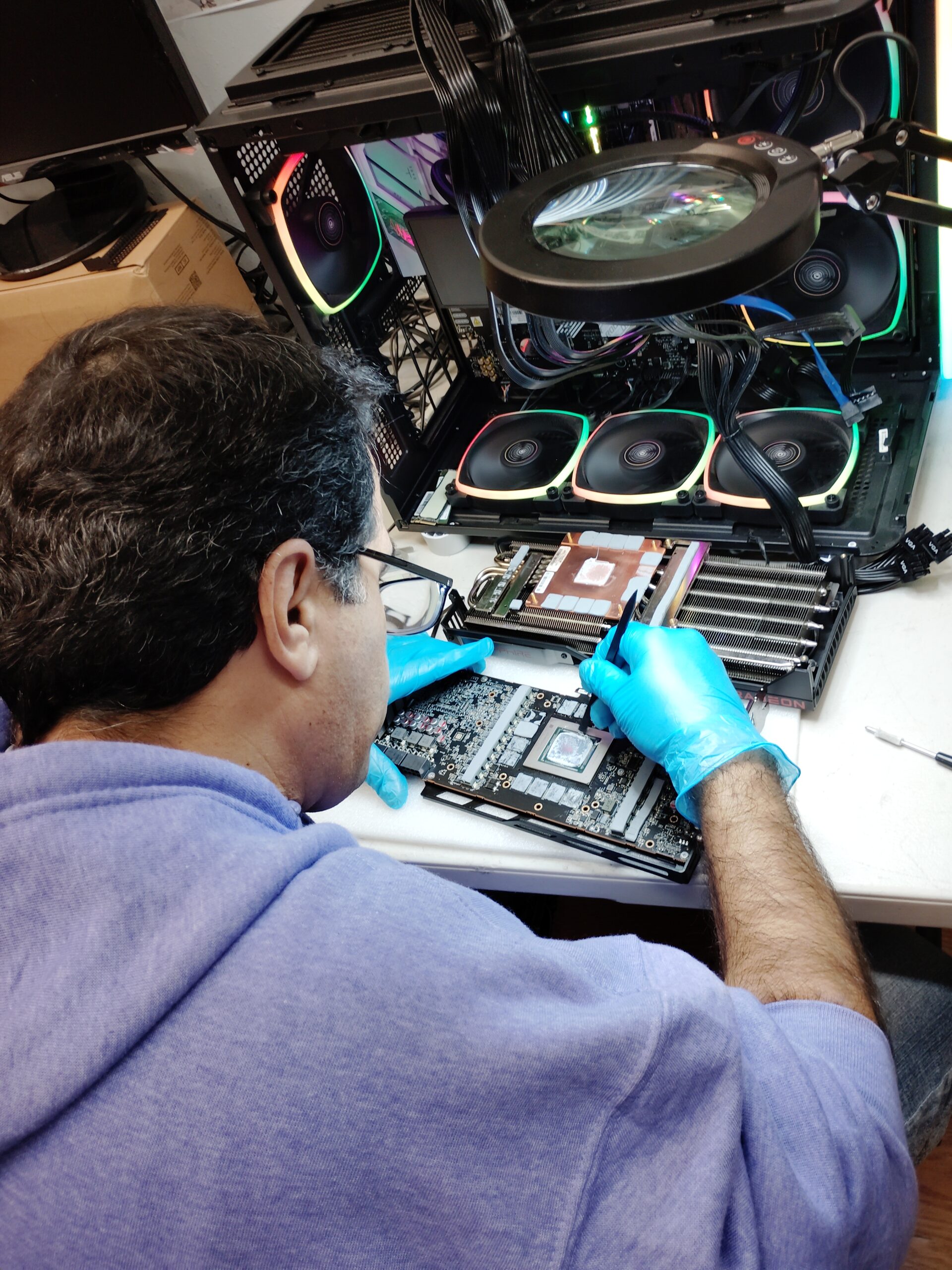
Is your AMD Radeon RX 7900 showing artifacts, going black, or crashing in games? Then it may need expert repair. Primary Computer Service diagnoses and fixes graphics cards for Houston gamers, creators, and businesses. First, we find the real cause of your AMD Radeon RX 7900 problem. Then we explain your options in plain words, so you can decide what to do next.
AMD Radeon RX 7900 Problems We Fix
A failing GPU rarely dies without warning. Instead, it usually shows small problems first. Watch for these common signs in your card:
- Colored dots, lines, or flickering on the screen (artifacts)
- A black screen even though the computer powers on
- Games or video editors that freeze or crash
- Loud fan noise or very high GPU temperatures
- Driver errors, such as “display driver stopped responding”
- Fans that do not spin, or a card the PC cannot detect
If you notice any of these, stop heavy workloads right away. Otherwise, continued use can make the damage worse. Also, save your files before you shut the PC down.
Our GPU Repair Services
Every graphics card is different. Therefore, each repair starts with a full diagnosis.
Diagnostics and Stress Testing
First, we test the card, the power supply, and the motherboard slot. Next, we check the latest AMD drivers and the cable connections. Because many “dead GPU” cases come from power, cooling, or software problems, this step can save you money.
Cooling and Overheating Fixes
Dried thermal paste, worn thermal pads, and failed fans cause many GPU failures. After a careful cleaning, we replace the thermal compound and pads. In addition, we swap faulty fans when parts are available.
Board-Level Repairs
Some faults can be fixed on the board itself. For example, damaged power connectors and failed power-stage parts are sometimes repairable. However, repair is not always the smart choice. If replacement makes more sense, we will tell you honestly.
AMD Radeon RX 7900 XT, XTX, and GRE Models
The AMD Radeon RX 7900 line includes the XT, XTX, and GRE cards. Each brand and model can have its own cooler design and board layout. Therefore, we check your exact card before we recommend a fix. In addition, we work on both desktop builds and external GPU setups.
Why Choose Us for AMD Radeon RX 7900 Repair
Primary Computer Service is a local computer service company in Houston, TX. We support gaming PCs, workstations, and business computers. Plus, you get a clear AMD Radeon RX 7900 diagnosis before any repair work begins. Because honesty matters, we also tell you when a new card is the better deal.
How the Repair Process Works
- Contact us. Call or send a message that describes the problem.
- Diagnosis. Next, we test the card and the rest of your system.
- Quote. You approve the price before we start.
- Repair and testing. Then we fix the issue and stress-test the card.
- Pickup or return. Finally, you get your working PC back.
AMD Radeon RX 7900 Repair FAQ
The price depends on the fault and the exact card. Cooling service usually costs less than board-level repair. Call us for a quote after a quick description of the problem.
It depends on the card’s age, its value, and the type of fault. For newer and high-end cards, repair is often worth it. However, if a new card makes more sense, we will say so.
Simple cleaning and cooling jobs are usually quick. Board-level repairs and part orders take longer. In any case, you get a time estimate with your quote.
We diagnose the whole line, including the XT, XTX, and GRE cards. However, the right fix depends on the fault, so we test your card first.