
f your computer died tonight, what would you lose? Family photos, tax records, customer files, years of email? The machine is replaceable. The data on it is not. The 3-2-1 backup rule is a simple habit that protects everything you can’t replace.
Here in Houston, we see data go missing in every way imaginable: failed hard drives, ransomware, accidental deletions, spilled coffee, and the power surges that come with our summer storms. The good news is that one approach covers nearly all of it!
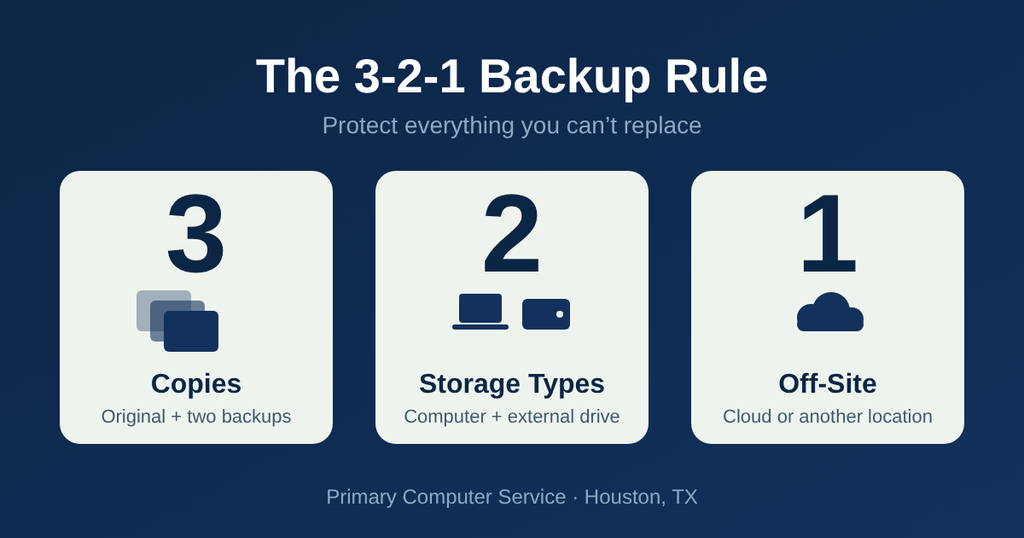
What the 3-2-1 Backup Rule Means
- 3 copies of your data: the original plus two backups.
- 2 different types of storage, such as your computer and an external drive, so one kind of failure can’t take everything out.
- 1 copy off-site, meaning somewhere other than your home or office, like a cloud backup service.
That’s it. No special expertise required.
Why Each Part of the 3-2-1 Backup Rule Matters
Three copies means a single failure isn’t a crisis. If one backup is corrupted or out of date, you still have another.
Two types of storage guards against problems that hit a specific kind of device. A drive that fails, a stolen laptop, or a USB stick that goes through the wash won’t wipe out your only safety net.
One off-site copy is the piece people skip most often, and it’s the one that saves you when something big happens. Fire, flooding, theft, or ransomware that spreads across your network can reach every device in the building. A copy stored elsewhere stays safe.
A Realistic Backup Setup for Homes and Small Businesses
Putting the rule into practice is easier than it sounds. A practical version looks like this:
- Your working files live on your computer.
- An external drive backs up automatically every night or week.
- A cloud backup service keeps a third copy off-site and updates it continuously.
The key word is automatically. Backups you have to remember to run tend to stop happening. Set it up once and let it work in the background.
Test Your Backups Before You Need Them
A backup you’ve never tested is a hope, not a plan. Once or twice a year, try restoring a few files from each backup. Make sure they open, are recent, and include the folders you care about most. It takes ten minutes and can save you from a very bad surprise.
Also watch for the common gaps: backups that cover only one folder, drives that are full and have quietly stopped saving, and cloud accounts that expired because a payment card changed.
Extra Protection Against Ransomware
Modern ransomware often goes after connected backups too. To stay protected, keep at least one backup that isn’t permanently plugged in or reachable from your main network. A drive you disconnect after each backup, or a cloud service that keeps older versions of your files, gives you a clean copy to return to.
Not Sure Your Data Is Protected?
If you’re not certain your backups would hold up, or you’d rather not set them up yourself, that’s exactly what we’re here for. Contact Primary Computer Service and we’ll review what you have, fill in the gaps, and make sure your backups actually work when you need them.
Because the best time to think about the 3-2-1 backup rule is before you need it.
Leave a Reply